Green SM Express - Rapid Green Delivery | Green SM

Introduction
Green SM Express - Super Fast Delivery

Always ready drivers
A large team of drivers, ready to deliver.

Easy to place orders
Quick and convenient right on the Green SM app

Convenient
Customers have many service options (COD delivery, multi-point delivery, return to pickup point, etc.).

Optimal costs
Discounted rates per km with many promotional codes.
Goods insurance
Worry-free COD delivery with up to 2,000,000 VND insurance coverage.

All-inclusive service
Delivery to the recipient's doorstep as requested.
INSTRUCTION
Guide to Booking a Ride
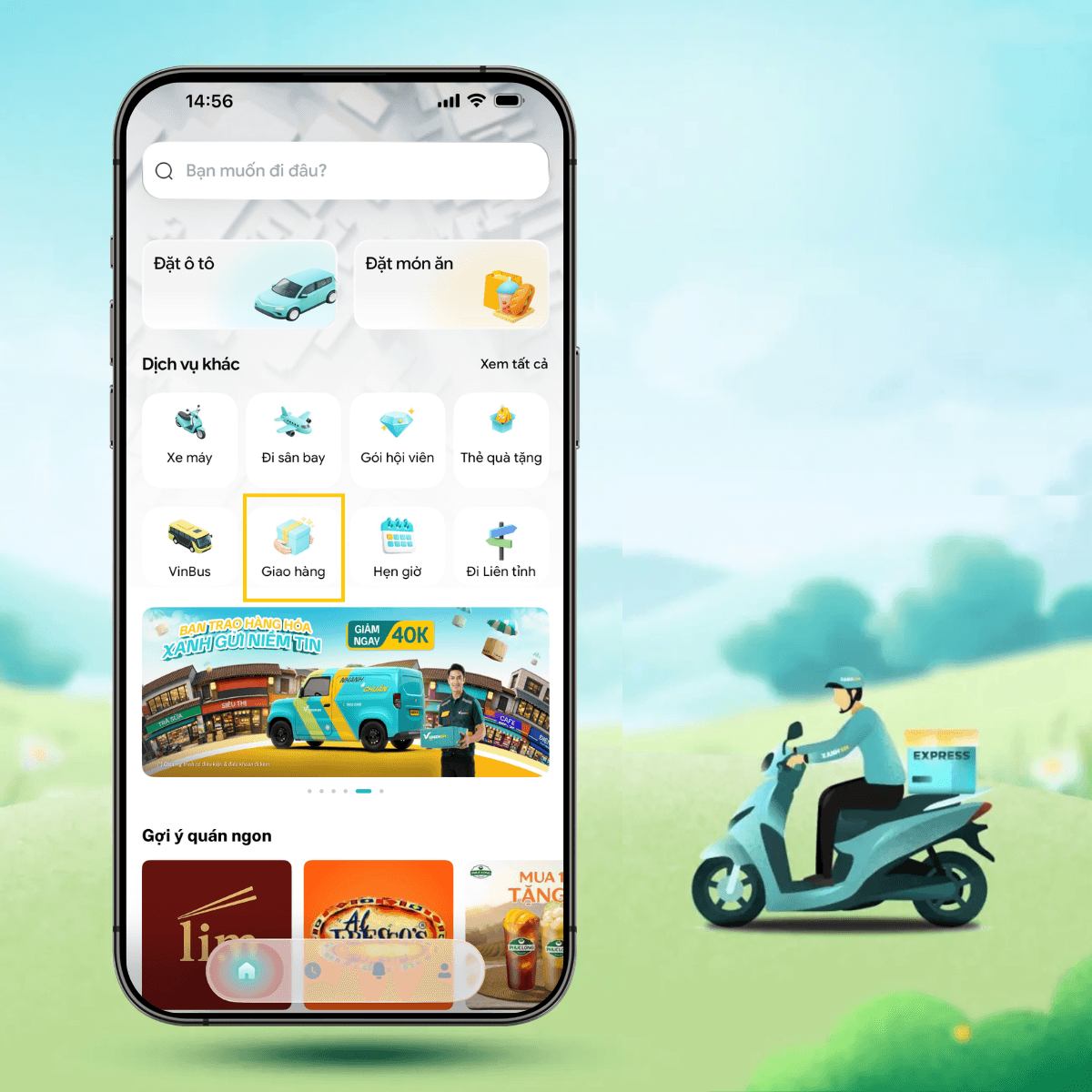
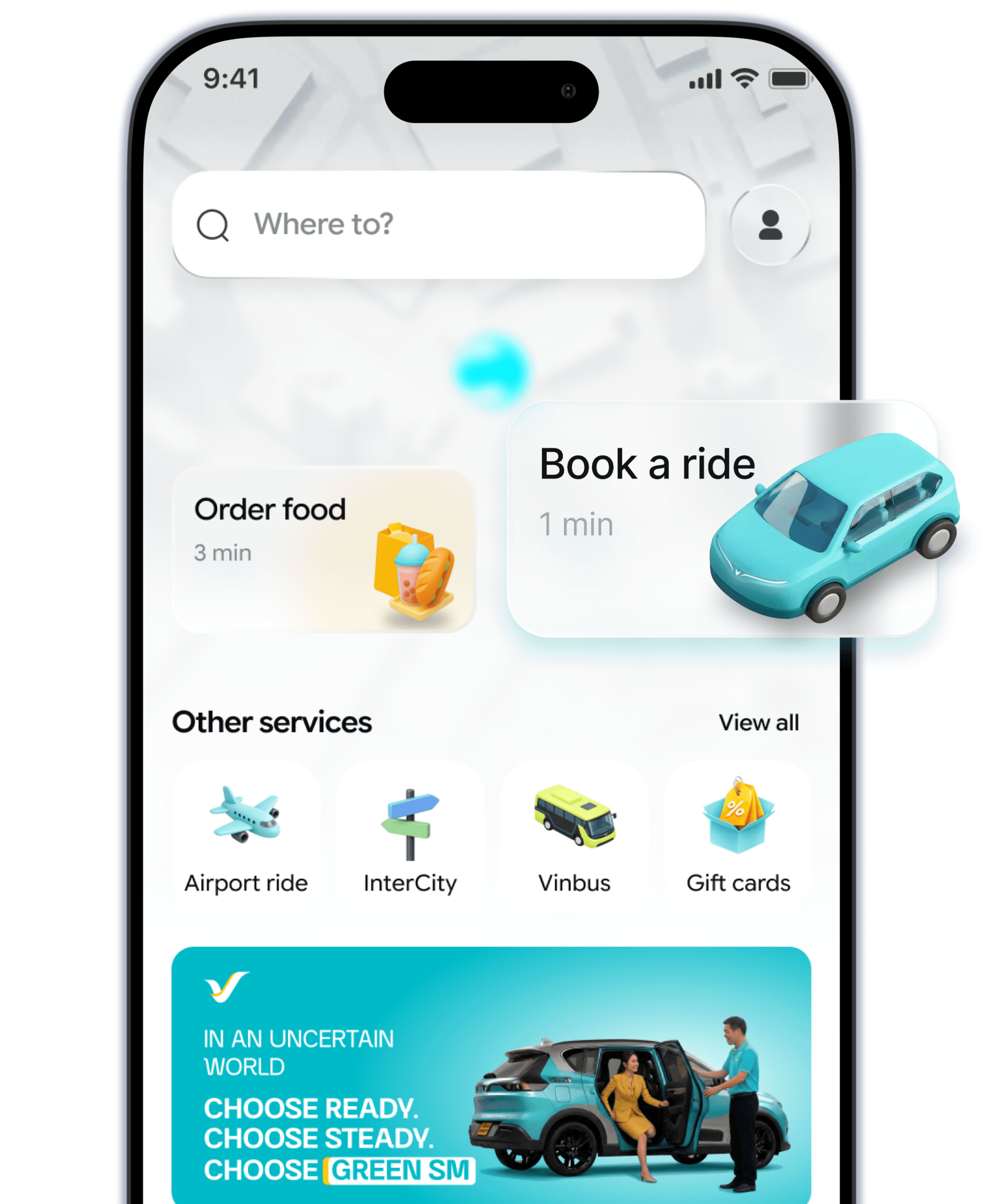
- 1. Step 1Open the Green SM app and select the Delivery icon on the home screen.
- 2. Step 2Choose the pickup and delivery locations you want. Enter additional details about the order.
- 3. Step 3Select the payment method and available promotions.
- 4. Step 4Confirm the booking. Enjoy your delivery.
INFORMATION
Service Pricing
Service Pricing
| Loại dịch vụ | Mô tả | Điều kiện áp dụng | Giá dịch vụ (VNĐ) |
|---|
- The above fare is applied based on the former administrative boundary names.
FAQ
Green SM Express
I want to deliver to multiple locations, how will the fees be calculated?
What is the insurance policy if the goods are lost?
Can I track my order on Green SM Express?
I want to deliver to multiple locations, how will the fees be calculated?
When the user wants to deliver to multiple locations, they just need to select the desired delivery addresses, and the total fee for all the delivery points will be displayed on the screen.
Here are the steps to add additional delivery locations:
Step 1: On the booking screen, enter the Pickup and Destination points.
Step 2: Select the transportation service.
Step 3: Click the plus (+) icon next to the destination and enter the address of the next stop.
To remove a stop, you can either click the minus (-) icon next to the address or the (x) icon to edit the address.
Step 4: Click Book to confirm the trip/service.


Learn More
Related content