Green SM Car - 100% electric vehicles, 5-star service | Green SM


Introduction
Choose Green SM Car to have experience
5-star transportation services
5-star transportation services

Always ready drivers
Our drivers are professionally trained and maintain a professional manner.

Easy Booking
Book your ride quickly and enjoy various promotions directly through the Green SM app.
Safety
Advanced technology with a high-end safety system and 6 airbags.

Optimal Fares
Affordable prices with numerous payment options available on the app.

Green Vehicles
Clean, odor-free vehicles with spacious cabins.

Environmental protection
Electric vehicles with zero emissions, protecting the environment.
INSTRUCTION
Ride booking guide
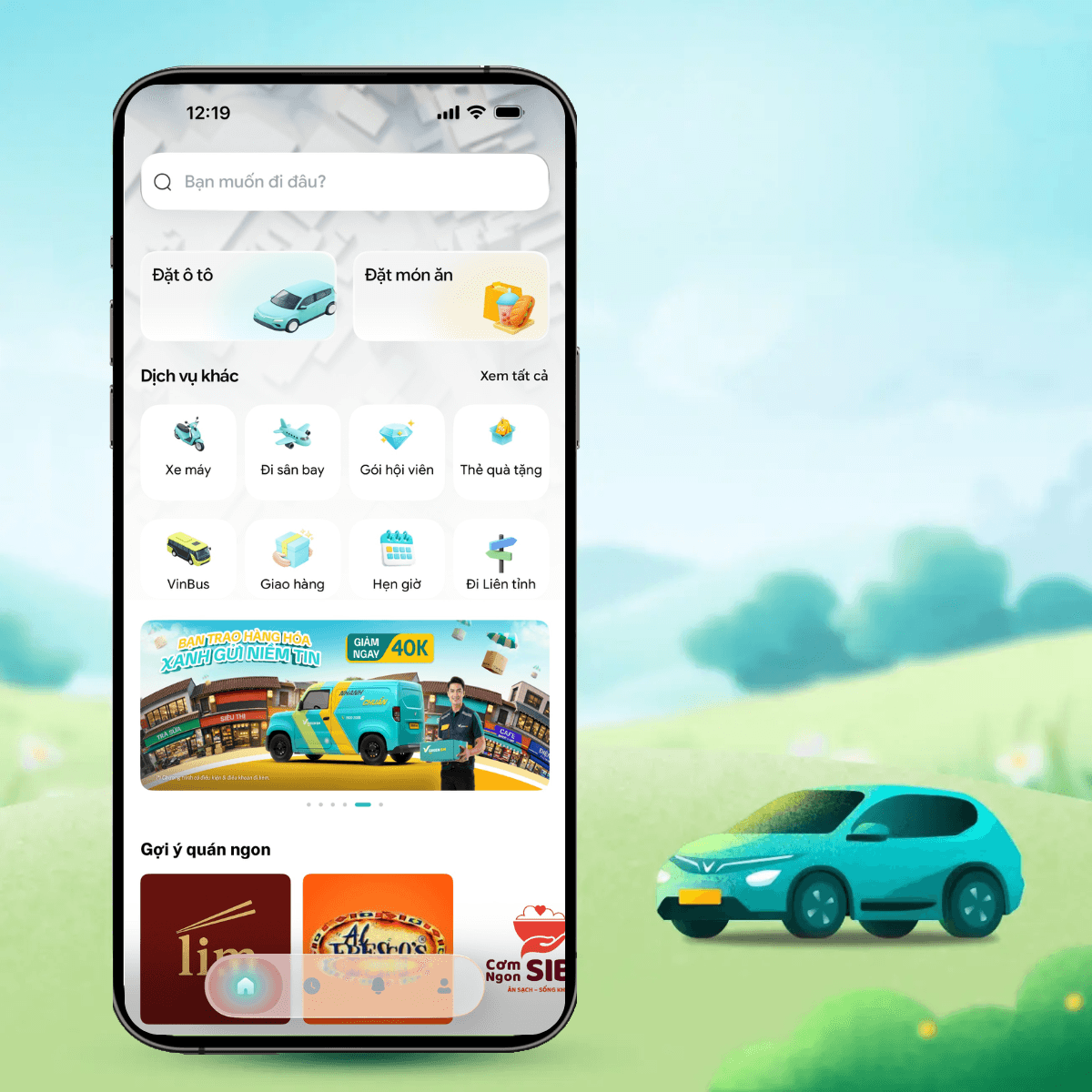
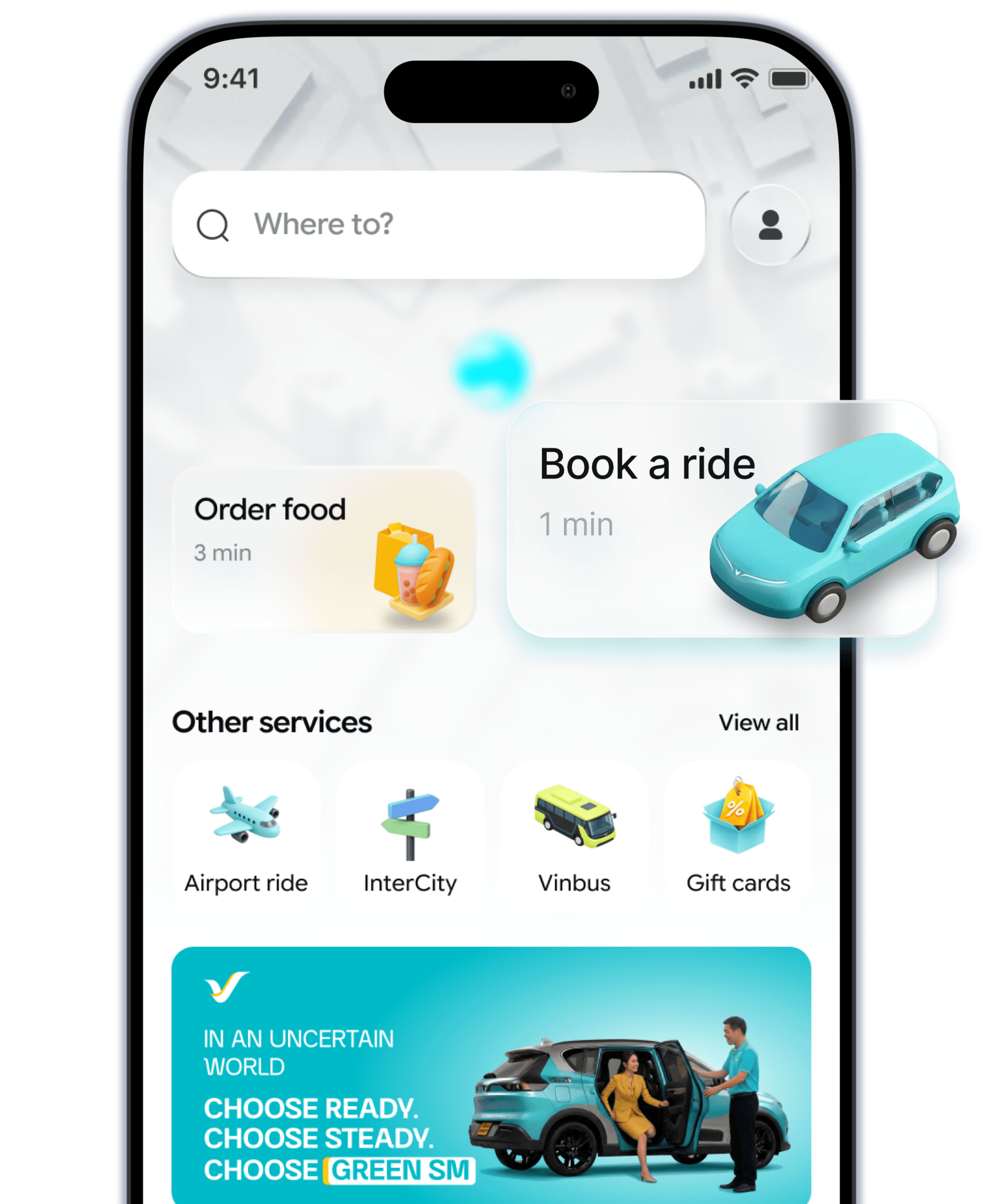
- 1. Step 1Open the Green SM app, select the Car icon on the home screen.
- 2. Step 2Choose your departure & destination points and select Green SM Car.
- 3. Step 3Select the payment method. Don't forget to apply the available promotions for your trip.
- 4. Step 4Confirm the booking. Enjoy your ride.
INFORMATION
Service Pricing
- The above prices include VAT and insurance for passengers.
- Prices booked through the app are determined via the pricing software, according to the listed price policy and may include discounts (if any) and surcharge policies (if any) at each time.
- Round-trip fare applies only to the same passenger for both directions.
- The actual trip cost depends on the actual distance, tolls (if any), and any additional fees (if any) incurred during the trip.
- Tour prices do not apply during public holidays (as per the State schedule).
- airport_pricing_note_6
- Please book trips or other services via Hotline1555before departure to get the best deals.
- The above fare is applied based on the former administrative boundary names.
FAQ
Green SM Car
How do I book a pre-scheduled ride on the app?
Using promotional codes and discounts
Guide to add/update payment methods
How do I book a pre-scheduled ride on the app?
To book a pre-scheduled ride, please follow the steps below:
Step 1: On the home screen, enter the destination in the "Destination" field and confirm the pickup point.
Step 2: Select the service type: The app will display the available service options in the area (e.g., Luxury, Green, Bike). Check the corresponding fares, and choose the service that suits your needs and budget.
Step 3: Select the payment method and enter any promotional codes (if available).
Step 4: Click the 3-dot menu "..." next to "Promotions", select "Schedule" and choose the desired travel time -> click "Update".
Step 5: Review the scheduled time and click "Book", the driver will proactively contact you and confirm the information.
You can schedule a pickup up to 30 days in advance and can cancel the trip before the driver arrives.


Learn More
Related content