Green SM Mini - Gọn dáng phố, Chuẩn chất mình | Green SM


Introduction
Green SM Mini
Compact for the street, True to your style
Compact for the street, True to your style

Agile and Compact
Small-sized electric cars designed specifically for urban mobility

Drivers always ready
Drivers are well-trained with professional conduct standard of Green SM

Optimal fares
Reasonable costs for practical needs with many payment promotions on the app

"Green" Vehicles
New cars, always clean and odorless

Transparent technology and process
Real-time trip tracking, clear route, consistent pick-up and drop-off process

Always protecting the environment
Zero-emission electric vehicles protecting the environment
INSTRUCTION
Ride booking guide
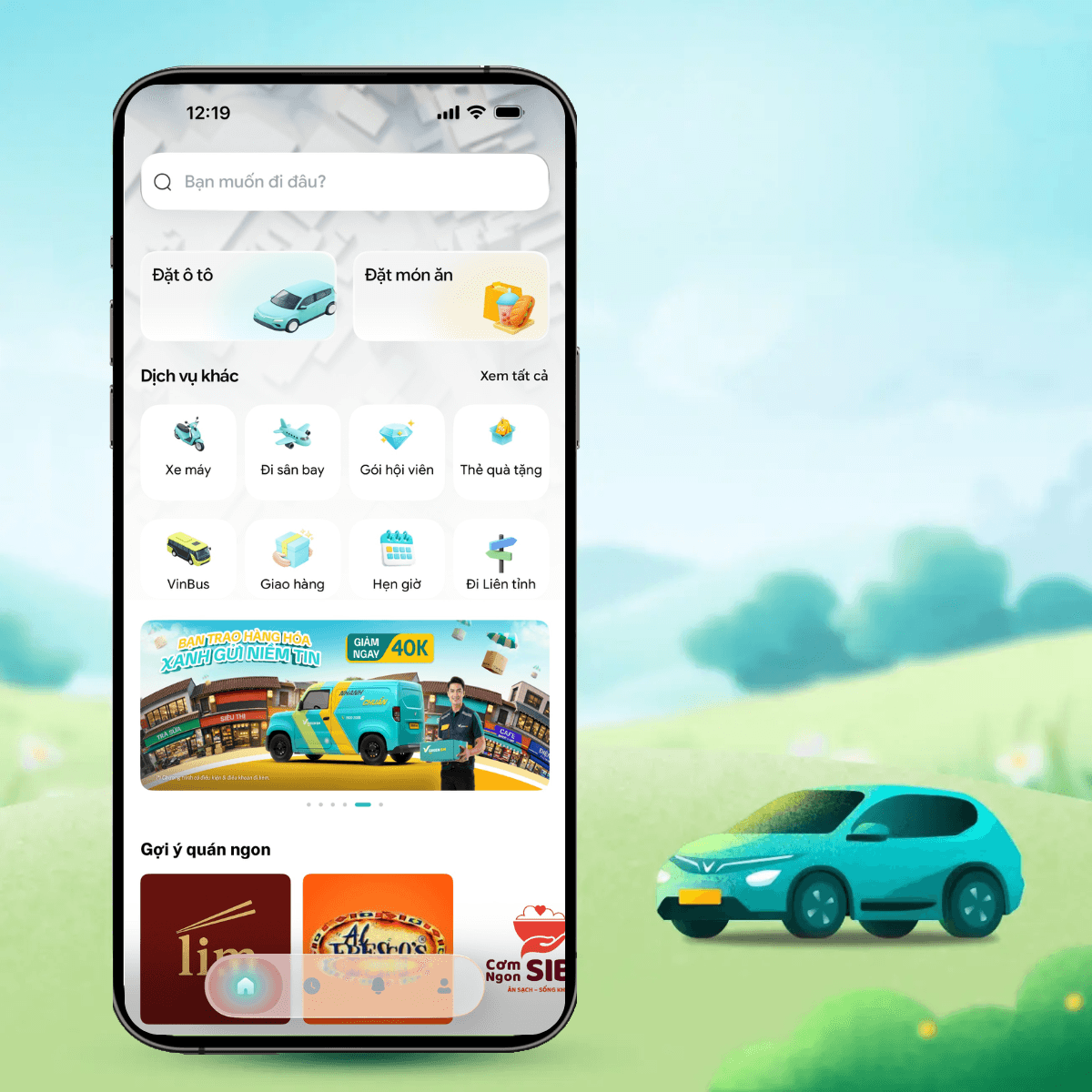
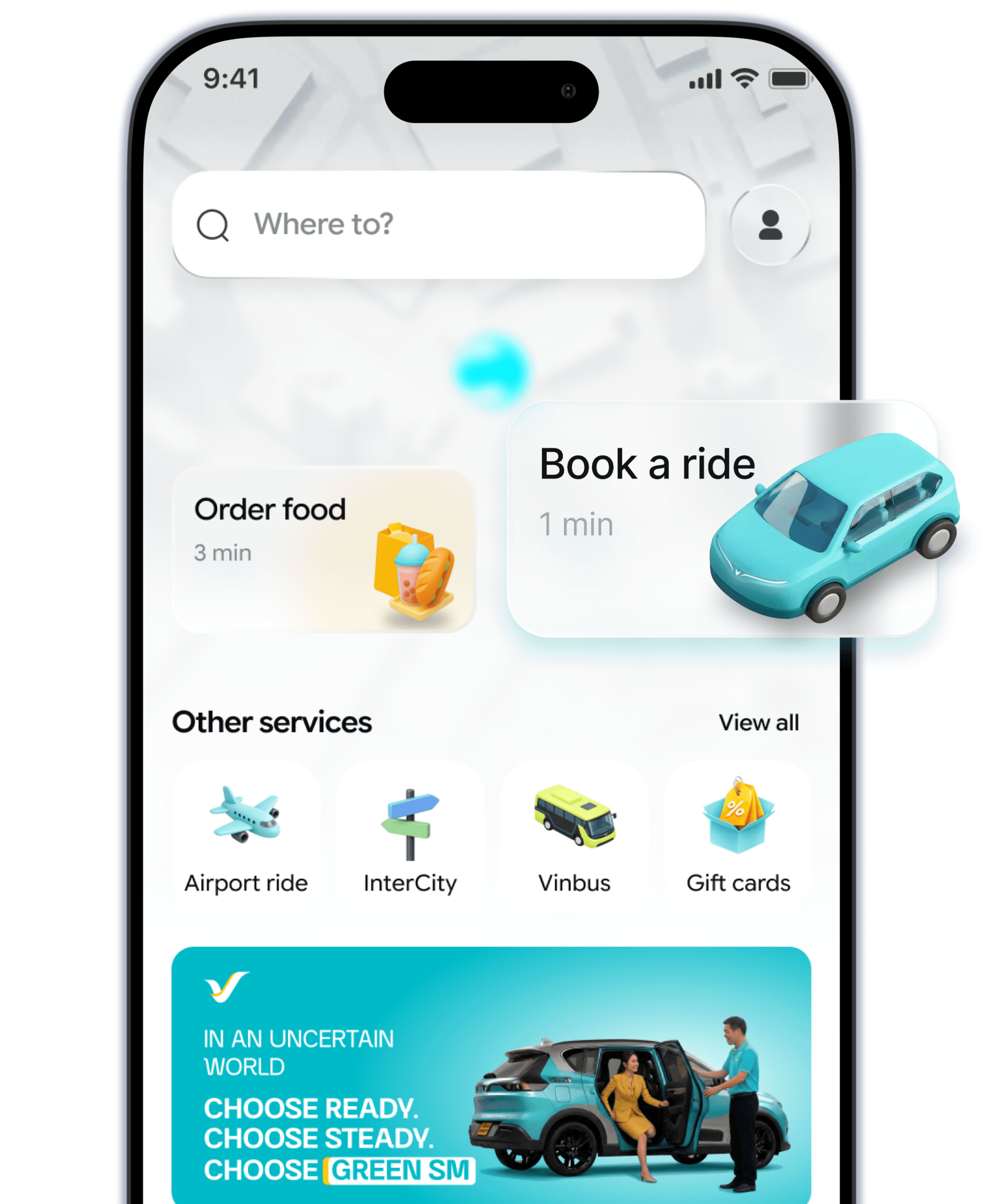
- 1. Step 1Open Green SM app, select Car icon on the home screen.
- 2. Step 2Select your desired pick-up & drop-off locations and select Green SM Mini.
- 3. Step 3Select the payment method. Don't forget to apply the available promotions for your trip.
- 4. Step 4Confirm the booking. Enjoy your ride.
FAQS
Green SM Mini Service
Can I book a ride for someone else on the app?
Using promo codes and price discounts
Guide to add/update payment method
Can I book a ride for someone else on the app?
You can book a ride for your loved ones using your Green SM account by following these steps:
Step 1: Choose the transportation service, enter the pick-up and drop-off points.
Step 2: Tap the "Book for someone else" icon at the bottom left of the map on the booking screen and enter the passenger's name and phone number.
Step 3: Check the fare, select the payment method and enter the promo code (if any).
Step 4: Tap "Book" and wait for the driver to contact you for pick-up.
Note:
- You should book a ride for someone you know and trust because you will be responsible for that trip.
- You can also guide others to download the Green SM app, register an account and book a ride on their own account.


Learn More
Related content